A dock for each moment
Work, study and leisure, each with its own apps, widgets and color. One spin of the mouse wheel and the dock switches.
 Doca
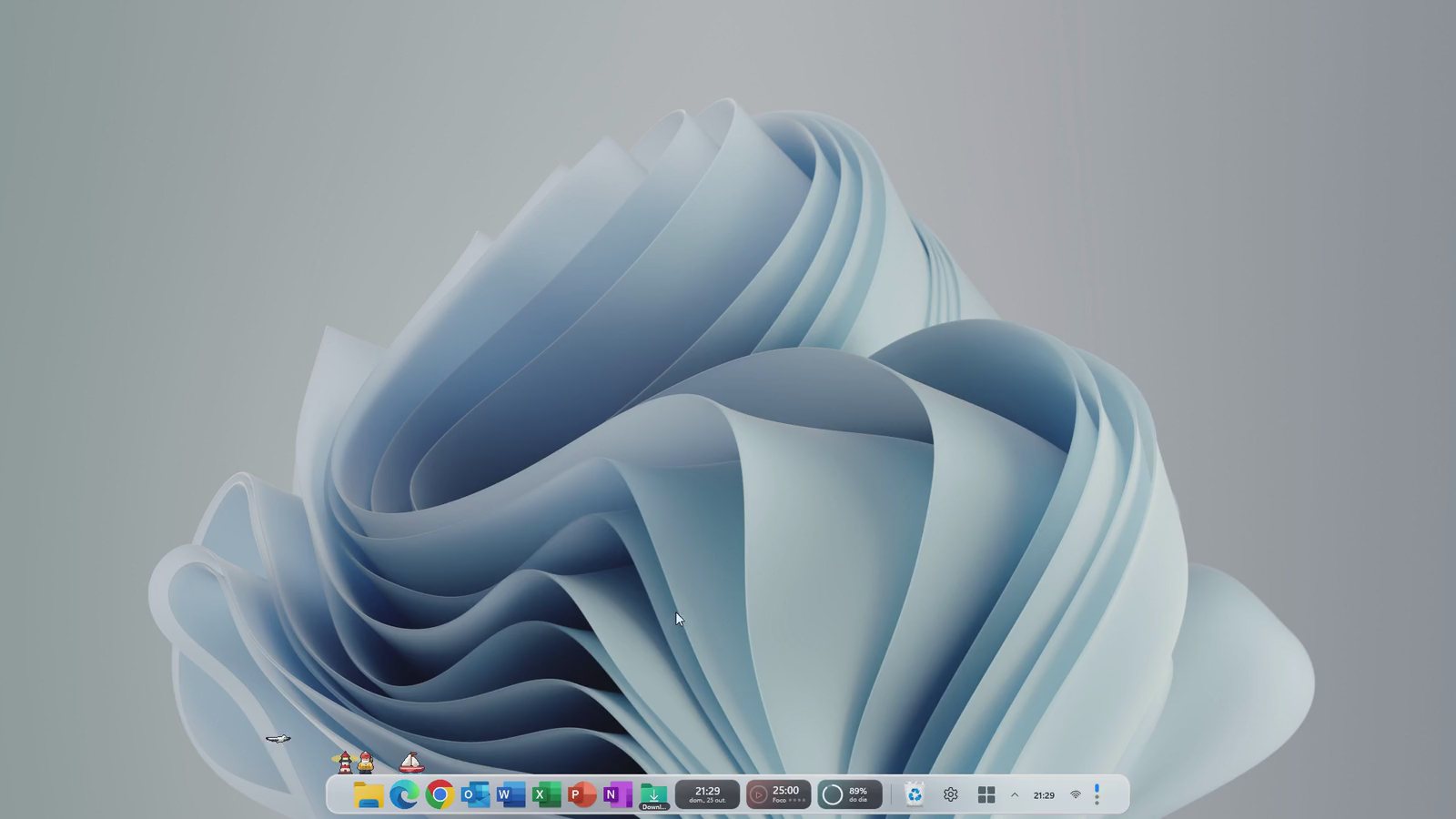
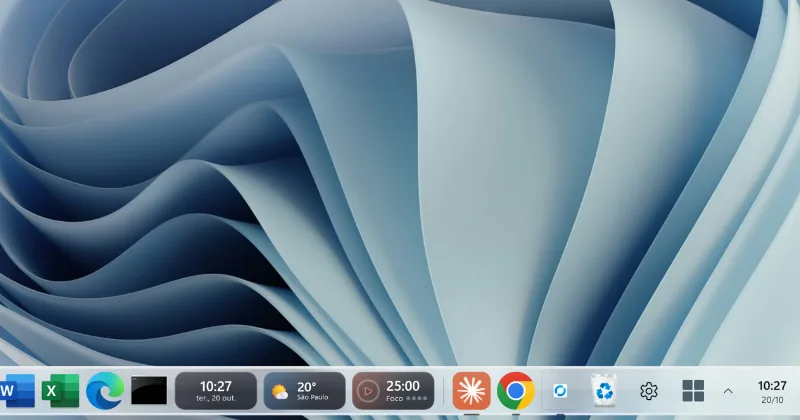
Your apps, folders and widgets on a glass bar, with the Mac magnifier. And a dock for each moment of the day: work, study and leisure, switched with a spin of the mouse wheel.
7 days free, no card · then US$ 9 once
Other ways to install (page in Portuguese) · Pricing
Doca is for Windows PCs. Open the Store page and install it on your computer.
Why Doca
Work, study and leisure, each with its own apps, widgets and color. One spin of the mouse wheel and the dock switches.
The icon under the pointer grows from its base and pushes its neighbors, as smooth as on the Mac.
Clock, Pomodoro, weather, quotes and 40+ widgets, right on the dock and different in each environment.
Environments
Work, Study and Leisure, each with its own apps, widgets and color, and only the windows you opened there. Switch with the mouse wheel over the dock, a shortcut, the touchpad or a Windows virtual desktop. Doca can hide the other environments' windows (put away, not closed).
Pricing
No subscription, no account and no card to try.
Doca license
US$ 9one-time
Card or Pix, on Stripe's secure page (the offer page is in Portuguese for now). The key arrives by email.
Doca is made in Brazil by Rafael Coelho. Have an idea? Leave a suggestion and vote on others'. Questions or problems? Email contato@racoelho.com.br: the person who answers writes the code.
Widgets
Two styles, 40+ widgets: Glass (smoked, with a touch of each widget's color) or Vivid colors (each widget in its own color), chosen in Settings › Appearance.

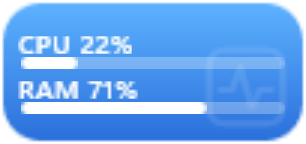



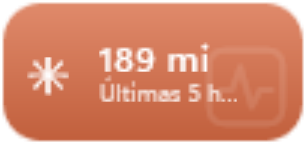
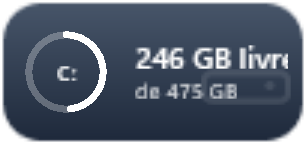
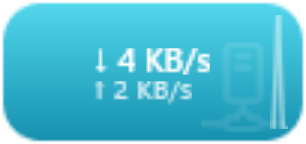





Real Doca widgets, with live data: quotes, weather, your machine, Steam games and Claude Code usage. And you can build your own.
And more
Folders open as a grid or list, with Quick Look on the space bar. Downloads shows how many new files arrived.
Hover over a running app and see each window live, with a close button.
Open, bring to front, minimize or cycle windows. Shift opens another; Ctrl shows it in Explorer.
Bottom, left or right, with auto-hide, on any monitor.
Start, the clock and status icons on the dock itself, when you want. The taskbar comes back when Doca closes.
Your environments are saved, and you can export and import them to another PC.
Questions
Windows 10 (version 2004 or newer) and Windows 11, on x64 and ARM64.
No. You pay US$ 9 once and Doca is yours, with 1 year of updates and support. After that year, it keeps working on the version you have.
7 days with everything unlocked, no card, counted from the first time you open Doca. When it ends, the dock stops, but nothing you set up is lost: just buy and activate the key.
On yours. The key is yours and isn't tied to one computer.
Yes. Doca only hides the taskbar or reserves screen space when you turn that on. When it quits, even if it crashes, a watchdog process restores the taskbar and every window: nothing stays hidden. To remove it, uninstall it like any app.
It can, if you want. By default it sits next to the taskbar. When you turn the option on, Doca brings Start, the clock and status icons, and gives the taskbar back when it closes.
They work alongside them. Each environment keeps its apps, widgets and windows; you can tie an environment to each Windows desktop or switch without leaving the current one.
Your settings stay on your computer. No account, no ads, no tracking. Anonymous usage statistics are only sent if you say "Yes" on first launch, and you can turn them off in Settings. See the privacy policy (in Portuguese).
Guides
Use it free for 7 days, no card. Like it? A one-time US$ 9.
Other ways to install (page in Portuguese)