 Doca
Guide · Windows 10 and 11
Taskbar on the side in Windows 11
On Windows 10 you could drag the taskbar to the left or right. Windows 11 removed that option and, in 2026, started bringing it back. Here's how to turn it on, what doesn't work yet and how to keep your apps on the side with a dock.
Quick answer
If your Windows 11 already has it, go to Settings › Personalization › Taskbar › Taskbar behaviors and pick the position: left, right, top or bottom. It arrived with the September 2026 update and is rolling out gradually; in those positions the taskbar can't auto-hide yet. If you don't see the option, or you want a side dock that hides itself, with a magnifier and widgets, use Doca.
What changed in Windows 11
The Windows 11 taskbar was rewritten in 2021 and for years it only stayed at the bottom. In May 2026 Microsoft showed Insiders the alternate taskbar position: bottom, top, left or right, with "never combine" and the small taskbar working in all of them. It reached regular Windows 11 with the September 2026 update, rolling out gradually: not every PC sees the option at the same time.
According to Microsoft's notes, two things don't work in the new positions yet: automatically hiding the taskbar and the touch-optimized taskbar. Gestures, the search box and Copilot in those positions were "in progress".
There are Registry tweaks and tools that force the option. They depend on your Windows version and can leave the taskbar broken after the next update. If the option hasn't reached you, wait for the rollout or use a dock.
How to get your apps on the side with Doca
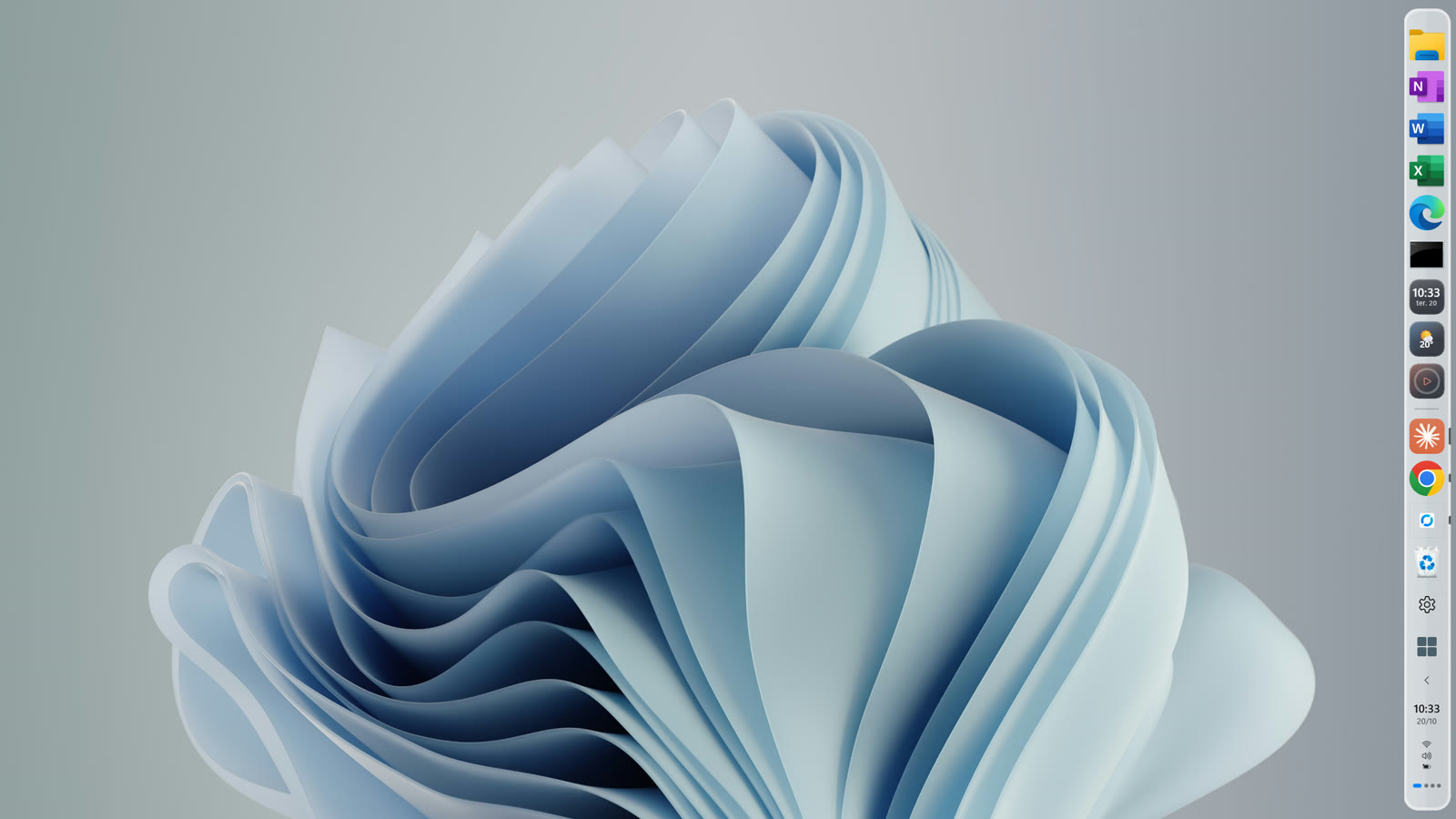
- Install Doca from the Microsoft Store (one click, no Windows warning). It's 7 days free.
- Pick the side: in Doca's Settings, under Screen & Windows › Dock position, choose bottom, left or right. To make the dock hide itself, turn on Automatically hide the dock on the same page.
- Decide what to do with the Windows taskbar: under Screen & Windows › Windows taskbar, choose "Leave as is", "Auto-hide taskbar" or "Doca only". With "Doca only", Start, the clock and status icons move to the dock.
- More than one monitor? Each screen keeps its own dock position: bottom on one, side on the other.
When Doca closes, even if it crashes, the Windows taskbar comes back exactly as it was.
Frequently asked questions
Can I move the taskbar to the side in Windows 11 without an app?
Yes, if your PC already got the September 2026 update: Settings › Personalization › Taskbar › Taskbar behaviors › position. It's a gradual rollout, and on the sides the taskbar can't auto-hide yet.
Does Doca replace the taskbar?
It can, if you want. By default it sits next to the taskbar. With "Doca only", it brings Start, the clock and status icons, and gives the taskbar back when it closes.
Does it work on Windows 10?
Yes, on Windows 10 (version 2004 or newer) and Windows 11, on x64 and ARM64.
How much is it?
7 days free with everything unlocked. After that, US$ 9 once, no subscription.