 Doca
Windows 11 · Taskbar
Taskbar at the top in Windows 11
People coming from the Mac or Linux miss a bar at the top. Windows 11 started allowing it in 2026; and some prefer a top bar with apps at the bottom, like the Mac.
Quick answer
With the September 2026 update (rolling out gradually), go to Settings › Personalization › Taskbar › Taskbar behaviors and choose the Top position. At the top, the taskbar can't auto-hide yet. For the Mac setup, a thin time-and-status bar at the top and your apps on a dock at the bottom, use Doca's top bar.
With the Windows taskbar
- Right-click the taskbar › Taskbar settings.
- Open Taskbar behaviors.
- For the taskbar position, choose Top.
Don't see the option? It's a gradual rollout: make sure Windows Update is current and wait. Avoid Registry tweaks that force the position; they tend to break with each update.
Bar on top, apps at the bottom (like the Mac)
On the Mac, the top bar is thin and only shows the front app, the time and status; apps live on the dock. Doca does the same on Windows:
- Top bar: the environment and front app on the left, the date and time on the right, the tray behind an arrow and a quick timer (5, 15 or 25 minutes) next to the clock.
- The Island, in the middle of the top edge: shows the music playing, timers and the app asking for attention. Drag a file up and it becomes a drop area.
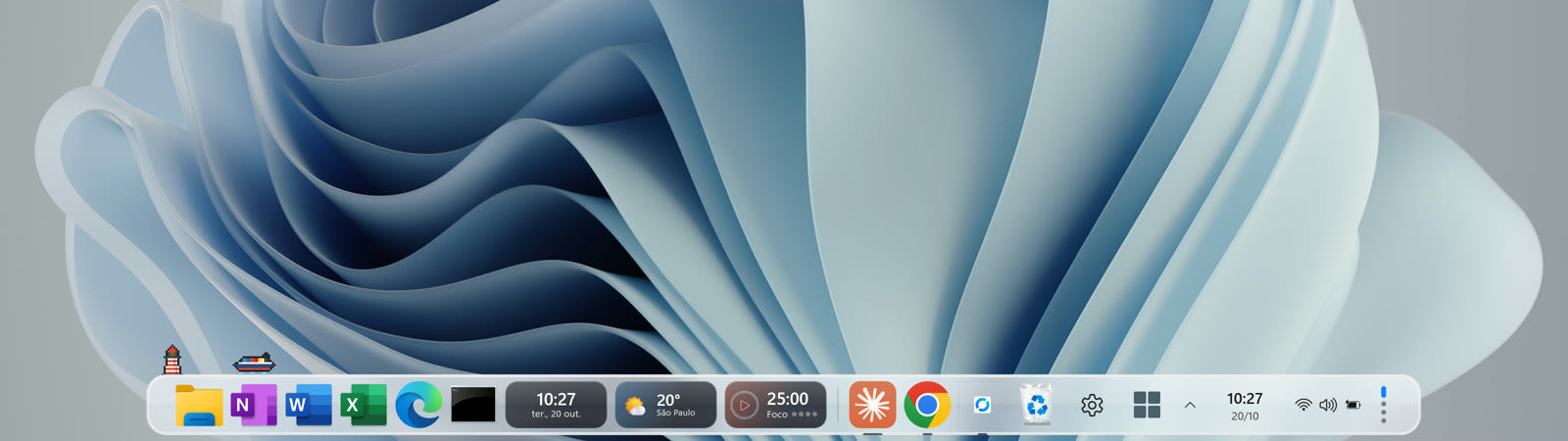
- The dock at the bottom (or on a side), with the magnifier, apps and widgets.
Frequently asked questions
Can I put the taskbar at the top in Windows 11?
Yes, since the September 2026 update, rolling out gradually: Settings › Personalization › Taskbar › Taskbar behaviors › Top position.
Does a top taskbar auto-hide?
Not yet. According to Microsoft, auto-hide isn't supported in the top and side positions.
Does Doca have a top bar?
It has a Mac-style top bar (environment, front app, date, time, tray and the Island). The dock itself sits at the bottom, left or right.
Does it work on Windows 10?
Yes, on Windows 10 (version 2004 or newer) and Windows 11, on x64 and ARM64.