 Doca
Windows 11 · Multiple monitors
Taskbar on multiple monitors
With two monitors, Windows 11 lets you choose whether the taskbar shows on both and which taskbar each app goes to. You can go further with a dock on each screen.
Quick answer
In Settings › Personalization › Taskbar › Taskbar behaviors, turn on Show my taskbar on all displays and, under When using multiple displays, show my taskbar apps on, choose Taskbar where window is open. With Doca, each monitor gets its own dock, with the apps open on that monitor and each screen's position.
The Windows options
- Show my taskbar on all displays: turns on the taskbar on the other monitors.
- Where to show apps: on all taskbars, on the main taskbar and where the window is open, or only where the window is open (the tidiest).
- Combine buttons on other taskbars: the same "never combine" choice, just for the other monitors.
- The full tray and clock stay on the main monitor's taskbar.
One dock per monitor, with Doca
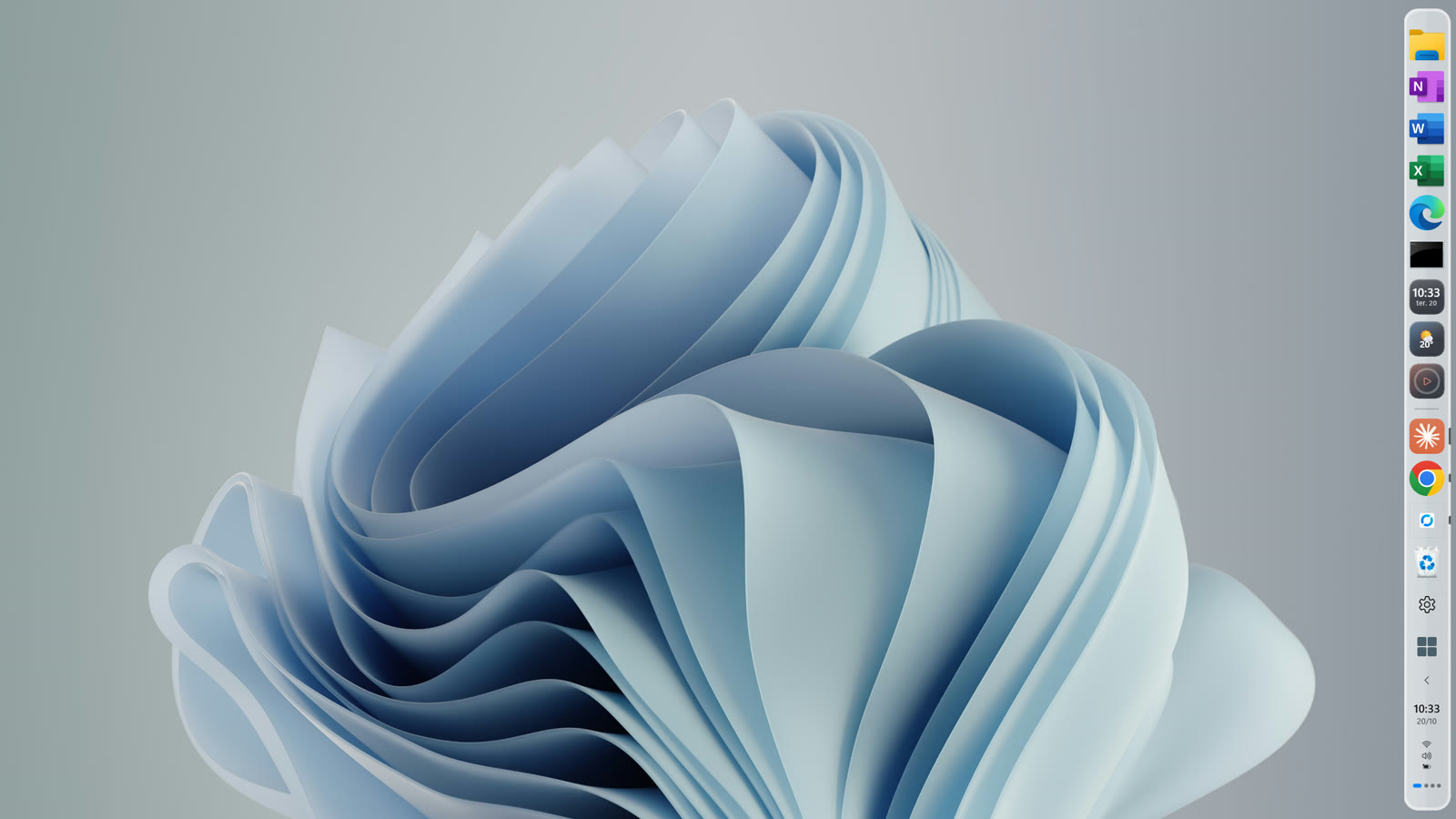
- Each monitor has its own dock (turn on Screen & Windows › Dock on all displays), with the apps open on that monitor, the same theme, the magnifier and environment switching.
- Each screen keeps its dock position, even after a restart: bottom on the laptop, side on the vertical monitor.
- Full screen per monitor: a full-screen game on one monitor only moves that monitor's dock out of the way.
- Different scales (100% on one, 150% on the other): previews, stacks, search and Start open at the right size on each screen.
- Doca's Start opens over the dock you clicked.
Frequently asked questions
How do I show the taskbar on both monitors?
Settings › Personalization › Taskbar › Taskbar behaviors › Show my taskbar on all displays.
How do I make each app show only on its monitor's taskbar?
On the same page, under "When using multiple displays, show my taskbar apps on", choose "Taskbar where window is open".
Does Doca handle monitors with different scales?
Yes. Each dock, preview, stack and search opens at the right size for each monitor's scale.
How much is it?
7 days free with everything unlocked. After that, US$ 9 once, no subscription.