 Doca
Windows 11 · Taskbar
Taskbar icons are missing
It could be a pinned app's icon, or one from a program hiding in the tray, near the clock. Each has a different cause, and a different way back.
Quick answer
If it's a tray icon (near the clock): click the ^ arrow to see the hidden ones, or go to Settings › Personalization › Taskbar › Other taskbar icons and turn on Always show all icons in the notification area. If it's a pinned icon that's gone: the app was unpinned or updated; right-click it and choose Pin to taskbar again.
Tray icon (near the clock)
Windows hides some tray icons so the bar doesn't get crowded. Click the ^ arrow, left of the clock, to see the hidden ones.
- Settings › Personalization › Taskbar › Other taskbar icons.
- Choose, icon by icon, "On" (always visible) or "Off" (hidden behind the arrow).
- Or turn on Always show all icons in the notification area, at the top of the same page, so none stay hidden.
One detail that matters: a tray icon only shows while the program is running. If you closed the app itself (not just its window), the icon is gone until it opens again.
A pinned taskbar icon disappeared
That's a different case: a shortcut you placed on the taskbar yourself. It tends to vanish if it got unpinned by accident, or the program was reinstalled or updated to a different path. To get it back: find the app in Start or File Explorer, right-click it and choose Pin to taskbar again.
If it keeps disappearing
Restarting Windows Explorer (Ctrl+Shift+Esc › Processes › Windows Explorer › Restart) forces the taskbar to redraw its icons from scratch.
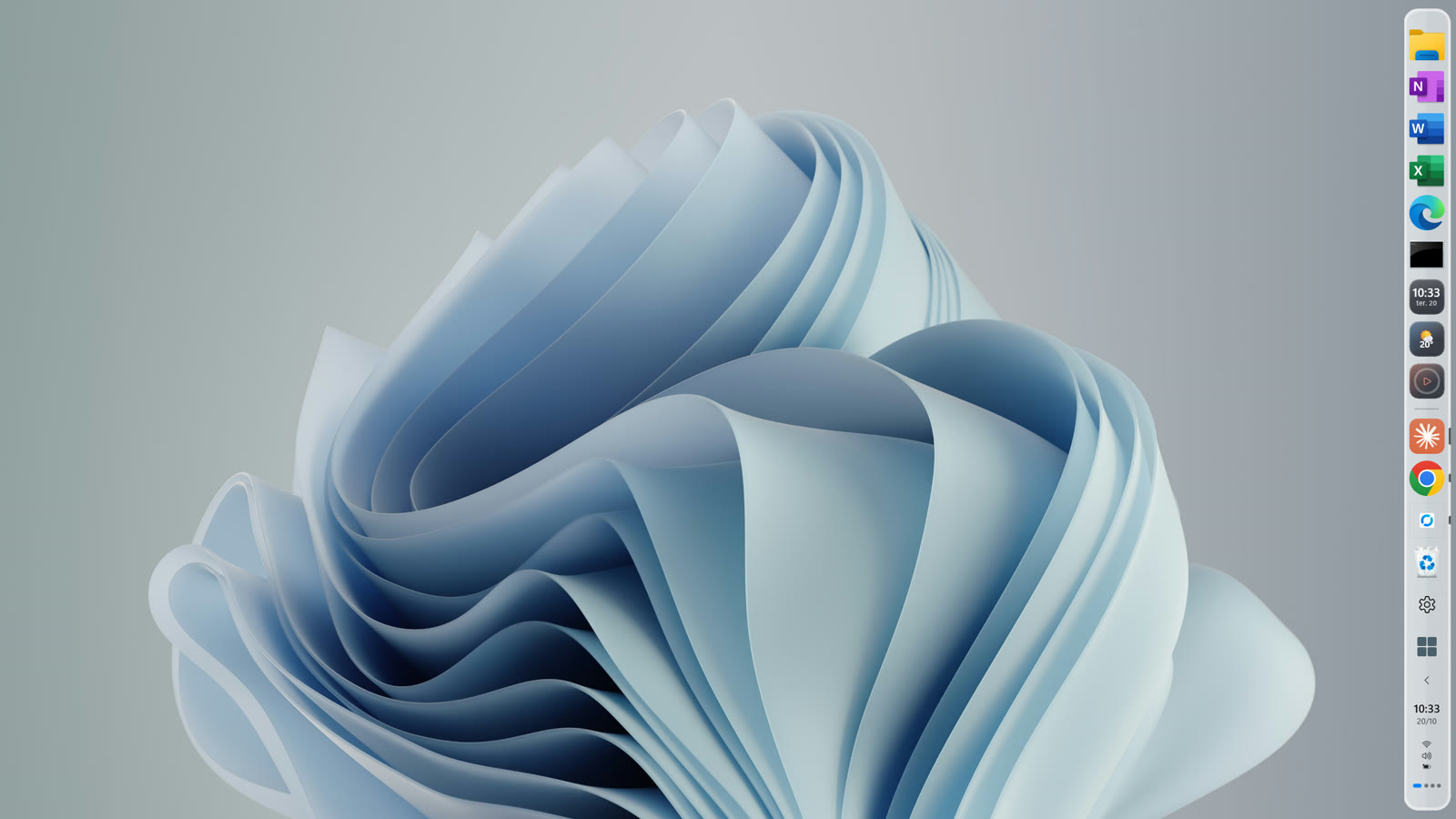
Doca's widgets live inside the dock, don't depend on the Windows tray and stay visible even when that space is full.
Frequently asked questions
How do I show all tray icons in Windows 11?
Settings › Personalization › Taskbar › Other taskbar icons › Always show all icons in the notification area.
Why did a pinned icon disappear from the taskbar?
Either it got unpinned by accident, or the program was updated or reinstalled to a different path. Pin it again by right-clicking the app.
Does a tray icon come back on its own?
Only when the program reopens. While it's closed, there's no icon to show.
How much is Doca?
7 days free with everything unlocked. After that, US$ 9 once, no subscription.